Figma Adds Code Layers, Specs and Payload
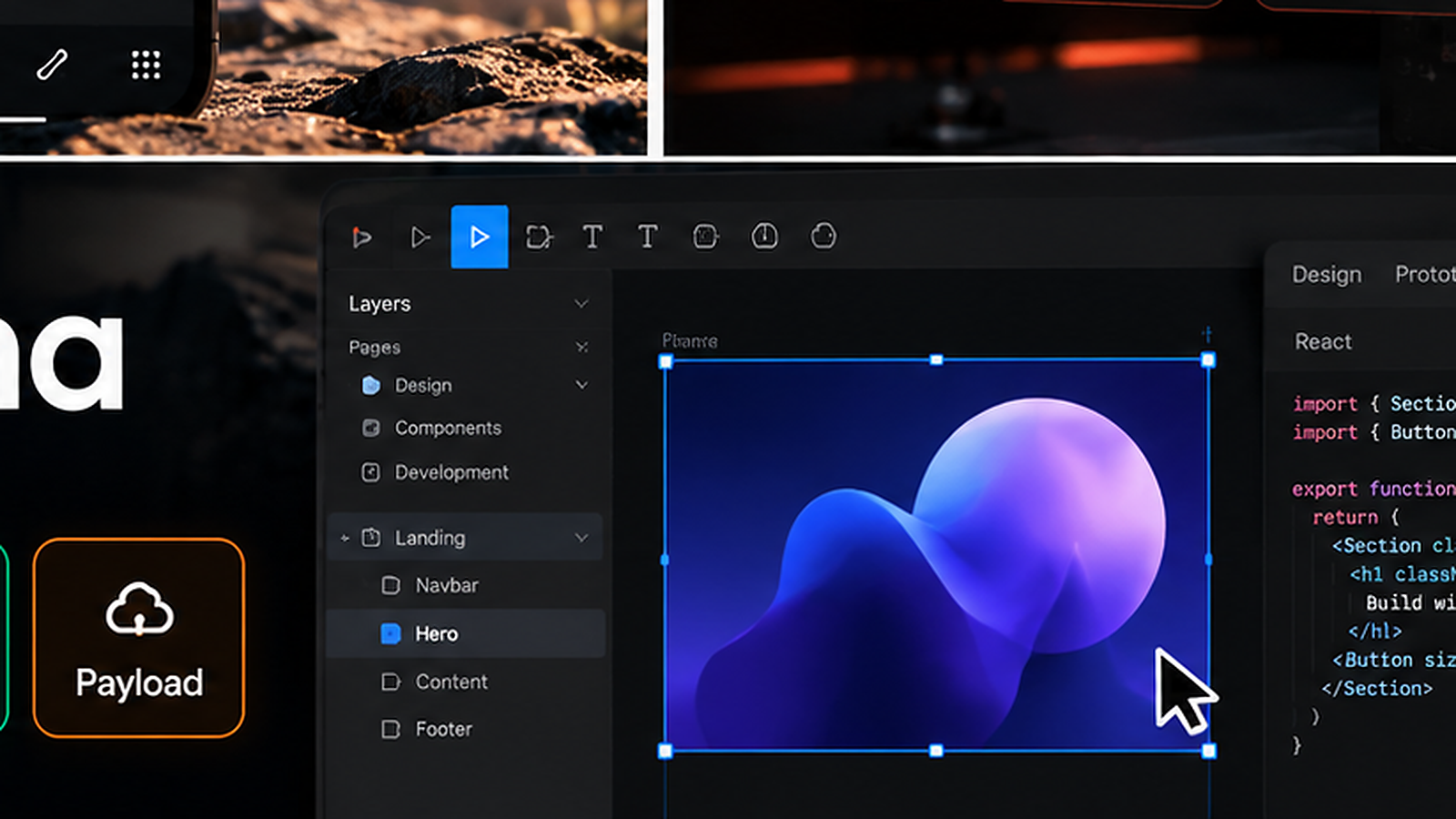
Figma's latest Config India release pushes the product further beyond static design files. Code Layers are now in open beta, Specs brings Markdown documentation onto the canvas, Payload can add a real backend to Figma Make projects, and the Figma MCP now works with more external AI tools.
The combined release matters because Figma is trying to connect product intent, visual design, working code and live data in one environment rather than handing each stage off to a completely separate tool.
Code Layers bring working code onto the canvas
Code Layers let teams create interactive prototypes backed by real code directly inside Figma. Figma says users can start from a design frame, import from a GitHub repository, capture a website with the Chrome extension or prompt from scratch.
Because the prototype is code-backed, teams can explore richer interactions than traditional click-through prototypes while still working inside a visual environment.
Specs gives Markdown a home inside Figma
Figma Specs is a new container for Markdown and structured context on the canvas. Teams can drag an existing .md file into Figma or use the agent to create documentation from designs and code.
The goal is to keep product requirements, technical notes, diagrams, design frames and implementation context close enough that both humans and agents can work from the same source material.
Payload turns Figma Make into a more complete app stack
Figma Make can now scaffold a Payload backend, giving projects access to a CMS, database, media handling, APIs, authentication and an admin panel.
That moves Figma Make closer to production app development instead of limiting it to front-end prototypes.
Figma MCP expands external tool access
The Figma MCP now supports more products and more integration partners. Figma says external AI tools can use it to create code layers, edit specs and generate images on the canvas.
That makes Figma part of a broader agent ecosystem rather than forcing all AI work to happen through Figma’s own assistant.
What teams should watch
The main question is whether these workflows reduce handoff friction or simply move more complexity into one platform. Code, design, specs and data each have different review and ownership needs.
Teams should test who controls the source of truth, how changes are versioned and what happens when generated code or documentation diverges from the production system.
Sources and further reading
Read Figma's Config India release notes
Read Figma's overview of the new build workflows
Explore more articles on the Nejma Blog
GOT ANY QUESTIONS LEFT?
Code Layers are interactive, code-backed prototypes that live on the Figma canvas and can be created from designs, repositories, websites or prompts.
Specs is a native Figma container for Markdown and related product context such as frames, diagrams and code.
Payload can provide a CMS, database, APIs, authentication, media handling and an admin panel so Figma Make projects can become data-backed applications.