Onlook Lets Designers Edit Real React Code Visually
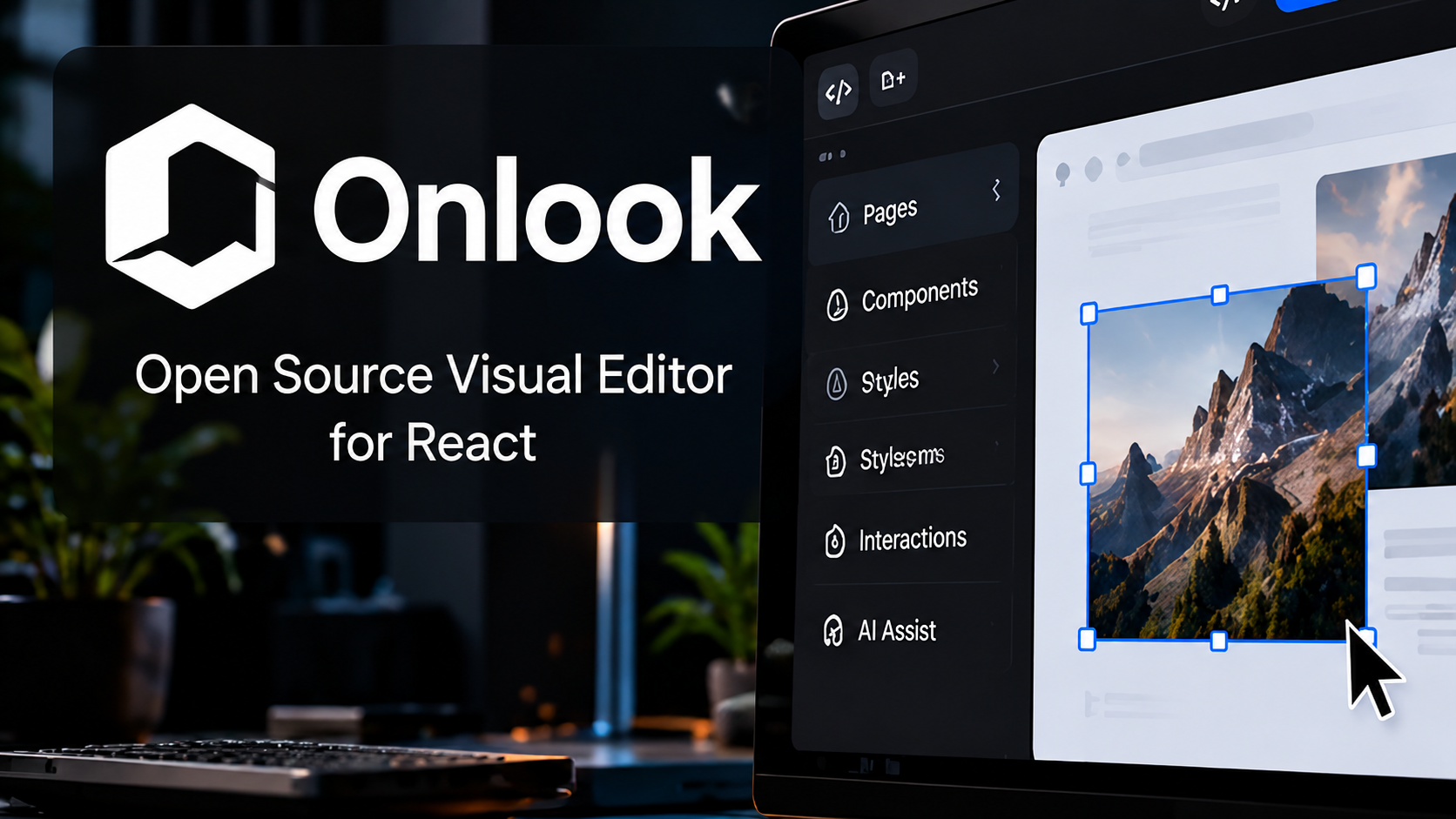
Onlook is one of the more visible open-source projects trying to bridge the gap between visual design and production code. Its public GitHub repository has attracted more than 26,000 stars, and the project is built around a compelling idea: let designers manipulate a real React interface visually instead of creating a separate mockup that developers must rebuild.
That makes Onlook a useful tool to revisit as AI-assisted design becomes more common. Figma-style canvases, code generators and website builders can all speed up early work, but the handoff between design and implementation still creates rework. Onlook tries to make the implementation itself the design surface.
What Onlook does differently from a mockup tool
Traditional design tools usually produce an editable representation of a website. Developers then translate that representation into HTML, CSS and components. Onlook’s open-source approach starts with a real codebase, particularly Next.js, React and Tailwind CSS, and lets users change the rendered interface while maintaining a connection to source code.
That difference matters when a project already exists. A designer can inspect an element, adjust its appearance and see the relationship to the underlying implementation. The result is potentially less duplication between a design file and the actual website.
Visual edits can become code changes
The project’s documentation describes a visual editor that maps interface elements back to their code locations. Users can select and adjust elements, change styling and preview the result in the running application. AI chat can also help propose or make code changes.
The practical value is iteration speed. A designer reviewing a landing page can experiment with spacing, typography or component arrangement without writing a long handoff note for every small adjustment. Developers still need to review the code, especially for accessibility, responsive behavior and component quality.
Why the React and Tailwind focus matters
Onlook’s original editor is closely tied to the React and Tailwind ecosystem. That focus can make code mapping and visual styling more predictable, but it also means Onlook is not automatically a universal editor for every framework, legacy site or custom design system.
Before adopting it, teams should check whether their project structure and styling conventions match the supported workflow. A tool that is excellent for a fresh Next.js project may require more preparation on a large application with unusual build tooling.
How Onlook compares with Figma
Figma remains a collaborative design environment with mature workflows for components, prototyping and design systems. Onlook is better understood as a visual editing layer over actual web code. One is optimized around designing and communicating a product interface; the other tries to reduce the gap between a running interface and the code that produces it.
That means the two can be complementary. Teams may still use Figma for early exploration and design review, then use Onlook to refine an implemented interface. The correct choice depends on whether the work is conceptual design or a change to a live application.
How Onlook compares with AI website generators
Prompt-first website tools can create an initial page quickly, but generated code may require careful review and maintenance. Onlook’s open-source editor focuses on keeping visual changes connected to an editable codebase. That can be useful for developers who want to retain control of their components and version history.
Neither approach removes the need to test mobile layouts, keyboard navigation, performance or content quality. A convincing browser preview is not a substitute for a production checklist.
The open-source project and hosted product are not the same
Onlook’s GitHub organization explicitly distinguishes the original open-source visual editor from its newer hosted direction. The company says the hosted product is in early access, and the repository points interested users toward a waitlist. Treat the current repository as a specific historical/open-source implementation, not a promise that every new hosted feature is included locally.
The code is available under Apache 2.0, but using an open-source application can still require local setup, technical knowledge and compatible project dependencies. Teams should evaluate the maintenance state of the repository before committing a long-term workflow.
A practical 30-minute test for a small team
Choose a non-critical Next.js and Tailwind page, ideally a landing page with reusable components. Run the supported open-source version in a safe development environment, select a few elements, and attempt three edits: change a hero layout, adjust spacing on mobile and refine a call-to-action button.
Then inspect the code diff. Did the edits preserve reusable components? Are responsive rules understandable? Can another developer continue the work normally? Those questions tell you more than a glossy demo because they reveal whether visual editing genuinely improves the team’s process.
Why Onlook is worth following
A large open-source audience suggests genuine interest in designing directly on top of code, but GitHub stars are not proof of production readiness. The larger trend is clear: designers increasingly want editable, inspectable outputs rather than screenshots or one-off generated prototypes.
Onlook is worth testing if your team already works with React and Tailwind and wants tighter collaboration between design and development. The strongest case is not replacing every design tool. It is reducing the friction between an idea, a visual change and a maintainable implementation.
Sources and further reading
Official Onlook open-source repository
Onlook GitHub organization and product distinction
Explore more creative software stories on Nejma
GOT ANY QUESTIONS LEFT?
The original Onlook visual editor is available as open-source software under Apache 2.0. The newer hosted product has separate access terms.
Not directly. Onlook edits interfaces tied to real code, while Figma remains a broader collaborative design and prototyping tool.
Its open-source implementation primarily targets Next.js, React and Tailwind CSS workflows.
Onlook describes its newer hosted product as early access and directs users to a waitlist.