Blender 5.3 Adds Native Gaussian Splat Support
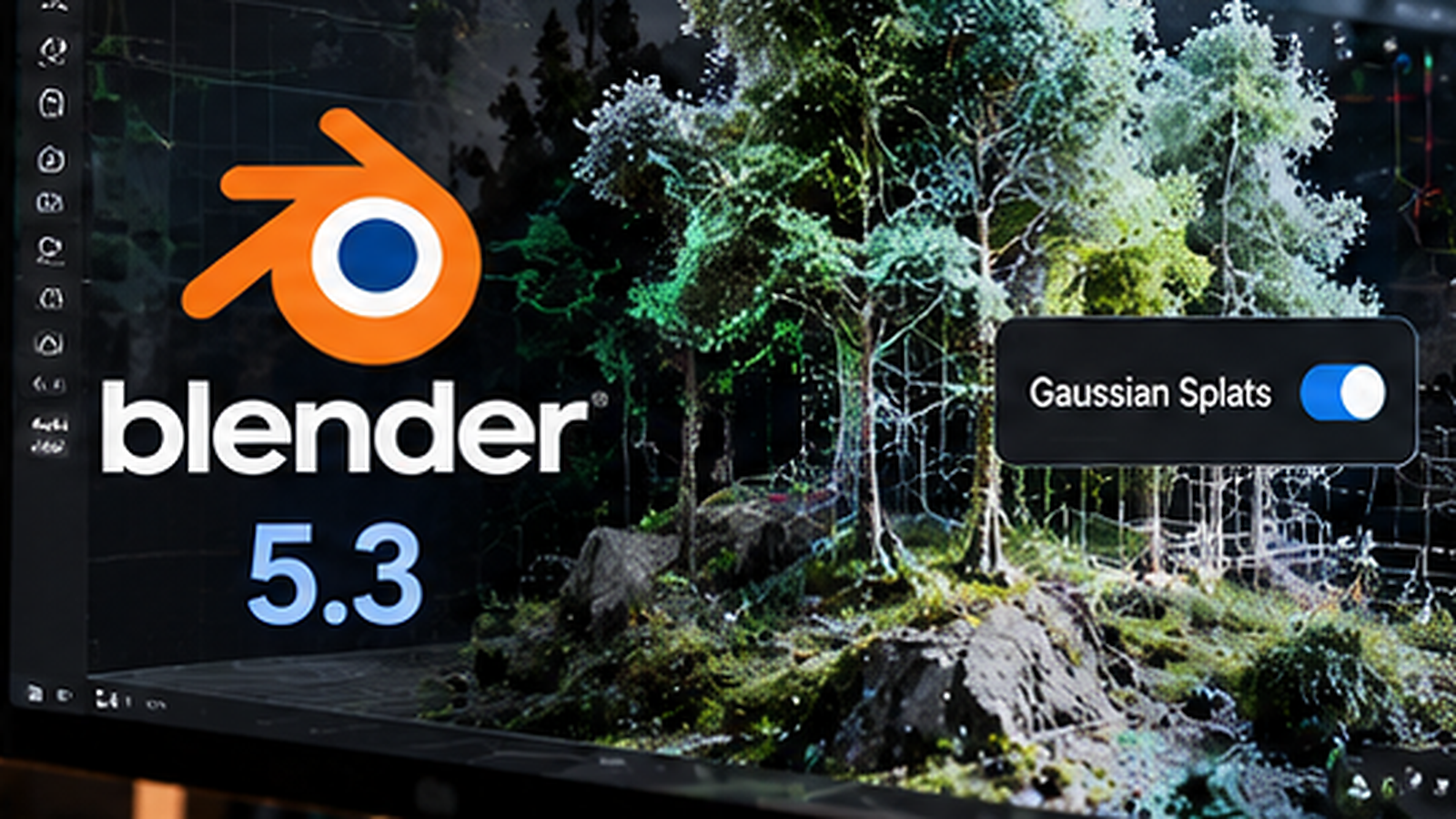
Blender 5.3 is scheduled for November 10, 2026, and its preview builds introduce a capability 3D artists have wanted for years: native import and rendering of 3D Gaussian splats. Instead of relying on an add-on to display a captured environment, artists can bring splat data into Blender as a recognized point-cloud type and render it in the application’s main engines.
This is a preview of an upcoming release, not a claim that Blender 5.3 is already stable. The Blender Foundation lists 5.2 LTS as the current stable 5-series release, so production teams should evaluate 5.3 on duplicate files and keep client work on a supported version until the final build arrives.
What exactly is a Gaussian splat?
A 3D Gaussian splat represents a scene using many soft, semi-transparent spatial elements rather than a traditional mesh made from polygons. Each splat stores information such as position, size, rotation, opacity and appearance. Rendered together, the elements can reproduce the look of a photographed space with remarkable detail.
This approach is useful for location capture, virtual production, environment references and experimental visual effects. It is not a universal replacement for polygonal models: a splat capture does not automatically provide clean topology, riggable surfaces or the predictable material controls that artists expect from a hand-built asset.
Blender 5.3 adds PLY and SPZ import paths
Blender’s developer notes document import support for common splat formats including PLY and SPZ. The Import PLY node can identify splat data and return the appropriate geometry type, while an Import SPZ node is also available. This allows artists to move from capture or reconstruction software into Blender with fewer conversion steps.
Before importing a large scan, confirm the source file really contains splat attributes rather than ordinary point-cloud positions. Check scale, coordinate orientation and the color result in a small test scene. These simple checks are much easier than debugging a full production composition.
Workbench, EEVEE and Cycles can render splats
According to the official rendering notes, Blender 5.3 supports splats in Workbench, EEVEE and Cycles. The default look uses an emissive shader driven by a radiance attribute, allowing a capture to reproduce much of its recorded appearance without building a complex material from scratch.
There is also rudimentary relighting support by replacing the emission response with a surface shader such as Diffuse BSDF. That can help artists blend a scan with a new light setup, but it should not be mistaken for complete physically correct reconstruction of the original scene.
Geometry Nodes make the feature more interesting
Native data types are useful because they can participate in the same procedural system as other scene objects. Blender adds a Set Point Cloud Type node and splat-aware import behavior. Over time, this may allow more sophisticated workflows for procedural placement, effects and scene manipulation around captured environments.
For motion designers, the opportunity is to combine a scanned space with titles, animated objects or compositing passes. For architectural visualization, it may help with context capture around a proposed design. For filmmakers, a scan can serve as a location reference or background element.
The preview still has important limitations
The official documentation warns that performance is not yet ideal and that splat rendering currently assumes source data trained in sRGB space. That can create differences in some high-radiance, low-opacity areas. There are also limitations around applying transforms and handling certain splat attributes.
Most importantly, the preview does not provide a complete splat export workflow. Artists can import and render, but should not assume they can edit and export the same splat asset to every downstream tool. Keep the original capture files and any reconstruction project alongside the Blender scene.
A safe test workflow for Blender artists
Start with a small public PLY or SPZ capture, import it into a clean preview scene, then inspect the appearance in EEVEE and Cycles. Add one conventional mesh object and a camera animation. Compare viewport performance and render time before increasing scan complexity.
If the scene will be used in a client project, render test frames and check color management early. A beautiful still frame does not guarantee acceptable playback, memory usage or animation performance.
Why this matters beyond one Blender update
Gaussian splats have often lived in separate capture viewers or specialized pipelines. Native Blender support makes them more accessible to artists who already understand Blender’s cameras, compositing and animation tools. The larger story is the convergence of photogrammetry-style capture and ordinary 3D production.
Blender 5.3 could make that convergence much easier, but the final release and real-world testing will determine whether the feature is ready for demanding scenes. For now, it is a strong upcoming capability worth preparing for rather than a reason to abandon a stable workflow today.
Sources and further reading
Blender 5.3 official release preview
Blender developer documentation: Gaussian splat rendering
Independent workflow analysis from Digital Production
Explore more creative software stories on Nejma
GOT ANY QUESTIONS LEFT?
Not yet. The Blender Foundation lists November 10, 2026 as the expected release date.
It is a scene representation built from many soft spatial elements, often reconstructed from photos or video, rather than a conventional polygon mesh.
The preview documentation includes PLY and SPZ import support.
The preview does not yet provide a complete Gaussian splat export workflow. Keep your original capture assets.