How to Build a Workflow That Survives Tool Changes
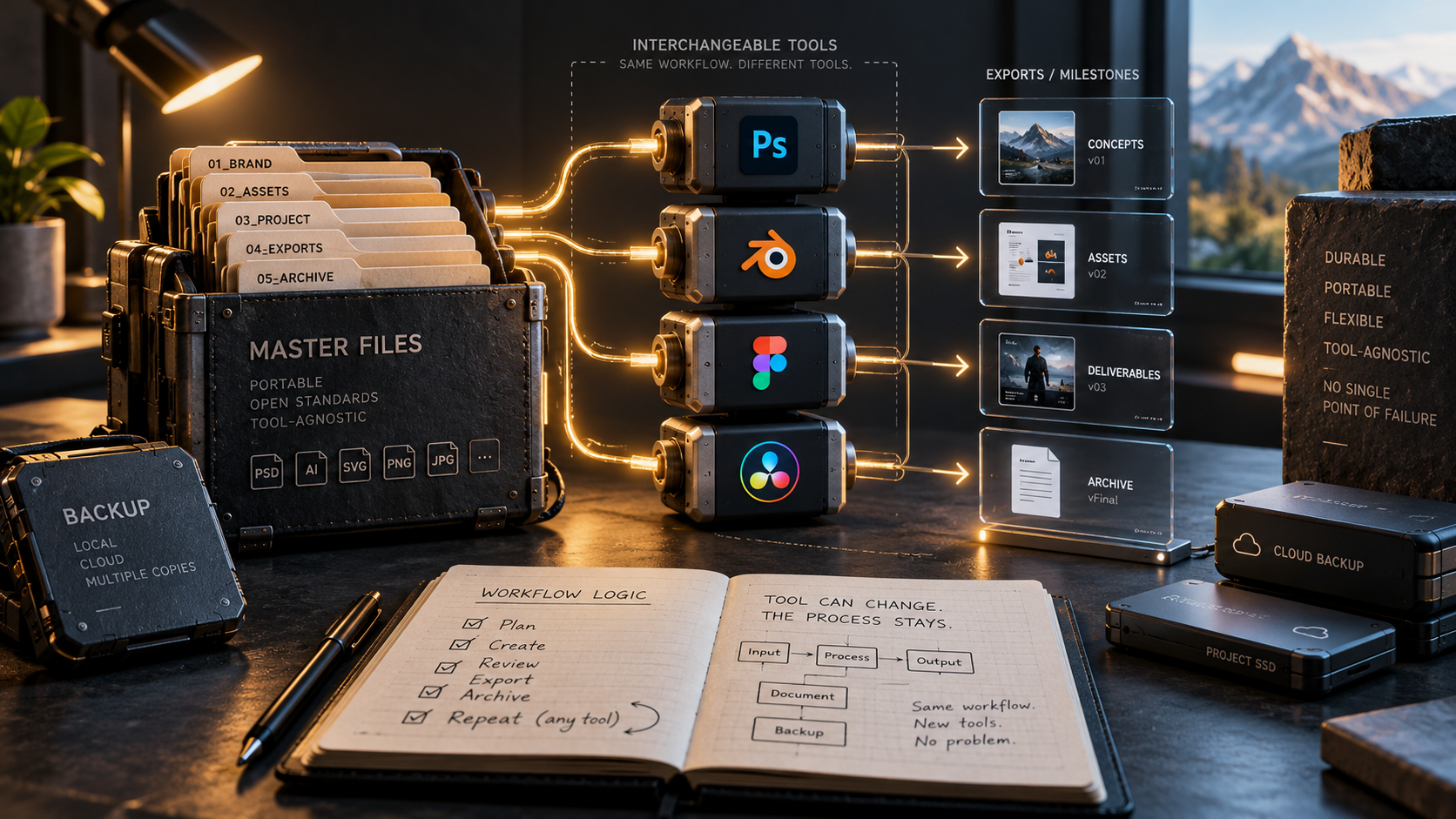
Creative software changes constantly. Features are renamed, plugins stop receiving updates, AI models are retired, pricing changes and entire products can move in a new direction. A workflow that depends too heavily on one fragile component can become expensive to repair.
Resilience does not mean avoiding modern tools. It means designing the workflow so the team can benefit from them without making every project impossible to open or understand when the stack changes.
Keep master assets in understandable formats
Whenever possible, keep original footage, images, fonts, audio and source files separate from the application that currently edits them. A project file should organize the work, not become the only place the work exists.
That makes migration easier and reduces the risk of losing access because a proprietary database or cloud account changes.
Export important milestones
Save approved versions in durable delivery formats at meaningful stages. For motion and video work that can include high-quality masters, still frames, audio stems and project documentation.
These exports are not replacements for editable source files, but they create a fallback when a plugin or application no longer behaves exactly as it did.
Document the non-obvious parts
A future teammate needs to know more than which application was used. Document unusual plugins, scripts, color transforms, fonts, model versions and the logic behind important controls.
Short documentation is enough if it captures the decisions that would otherwise require reverse engineering.
Avoid single points of failure
If one plugin is required to render every project in the company, that plugin has become infrastructure. Treat it accordingly: track versions, licenses, compatibility and alternatives.
The same applies to AI models and cloud services. If the workflow breaks the day a provider removes a model, the dependency was never managed properly.
Separate workflow logic from vendor names
Describe processes in terms of goals: ingest, clean up, animate, review, approve, deliver. Then map current tools onto those stages.
This makes it easier to replace one tool later because the team understands the function it served.
Test recovery before you need it
Open an older project on a clean machine. Check whether assets resolve, required plugins are available and another teammate can understand the setup.
That simple test reveals hidden dependencies while there is still time to fix them.
Sources and further reading
Read GitHub's recent Copilot model deprecation notice
Explore Blender's open-source approach
Explore more articles on the Nejma Blog
GOT ANY QUESTIONS LEFT?
Common causes include retired plugins, incompatible versions, missing assets, changed cloud services and undocumented dependencies.
Not necessarily. The goal is to manage dependencies and keep important assets and knowledge portable enough to migrate.
Open an older project on a clean system and see what is missing.