Red Giant 2027 Adds AI Relighting for After Effects
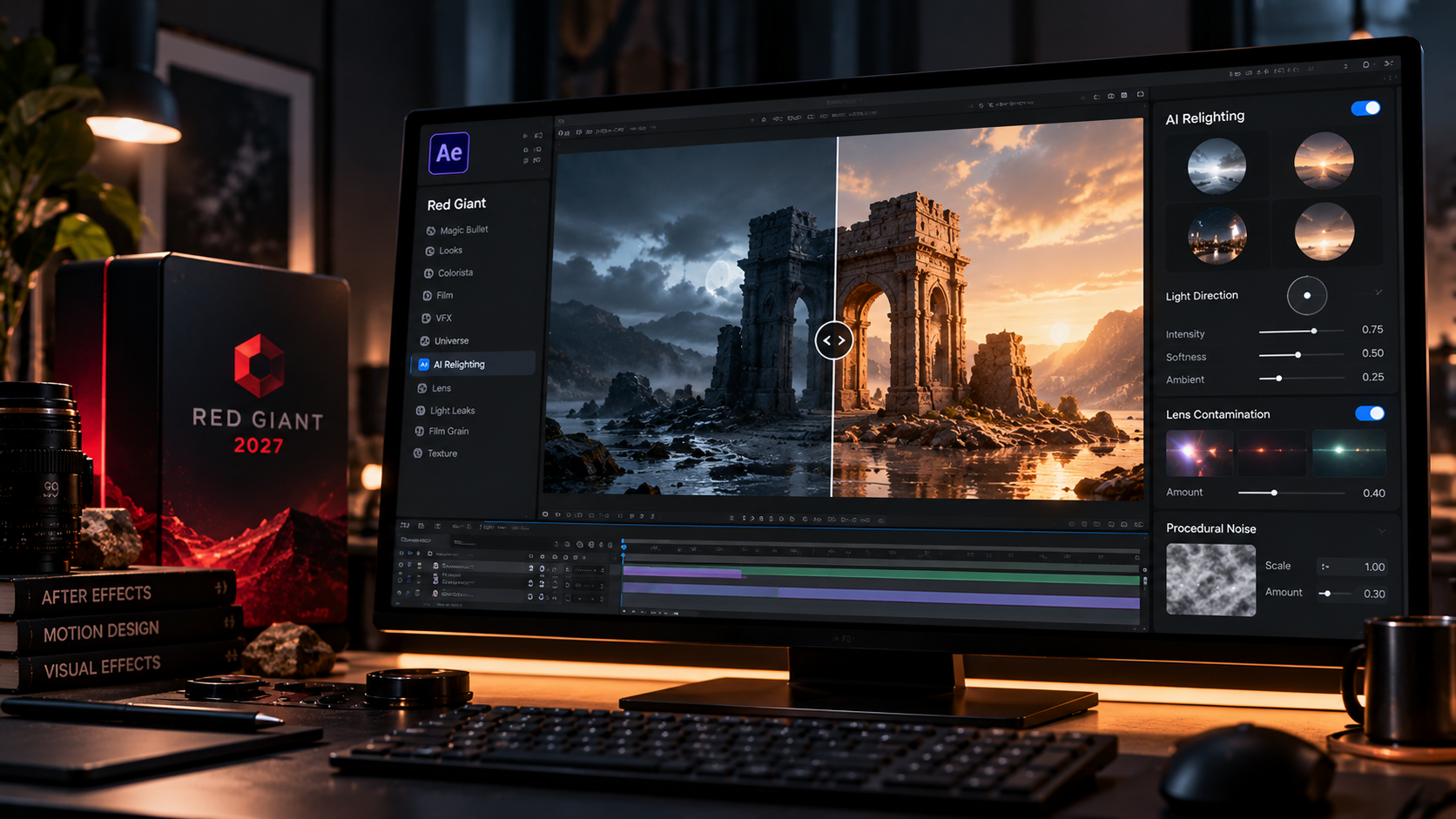
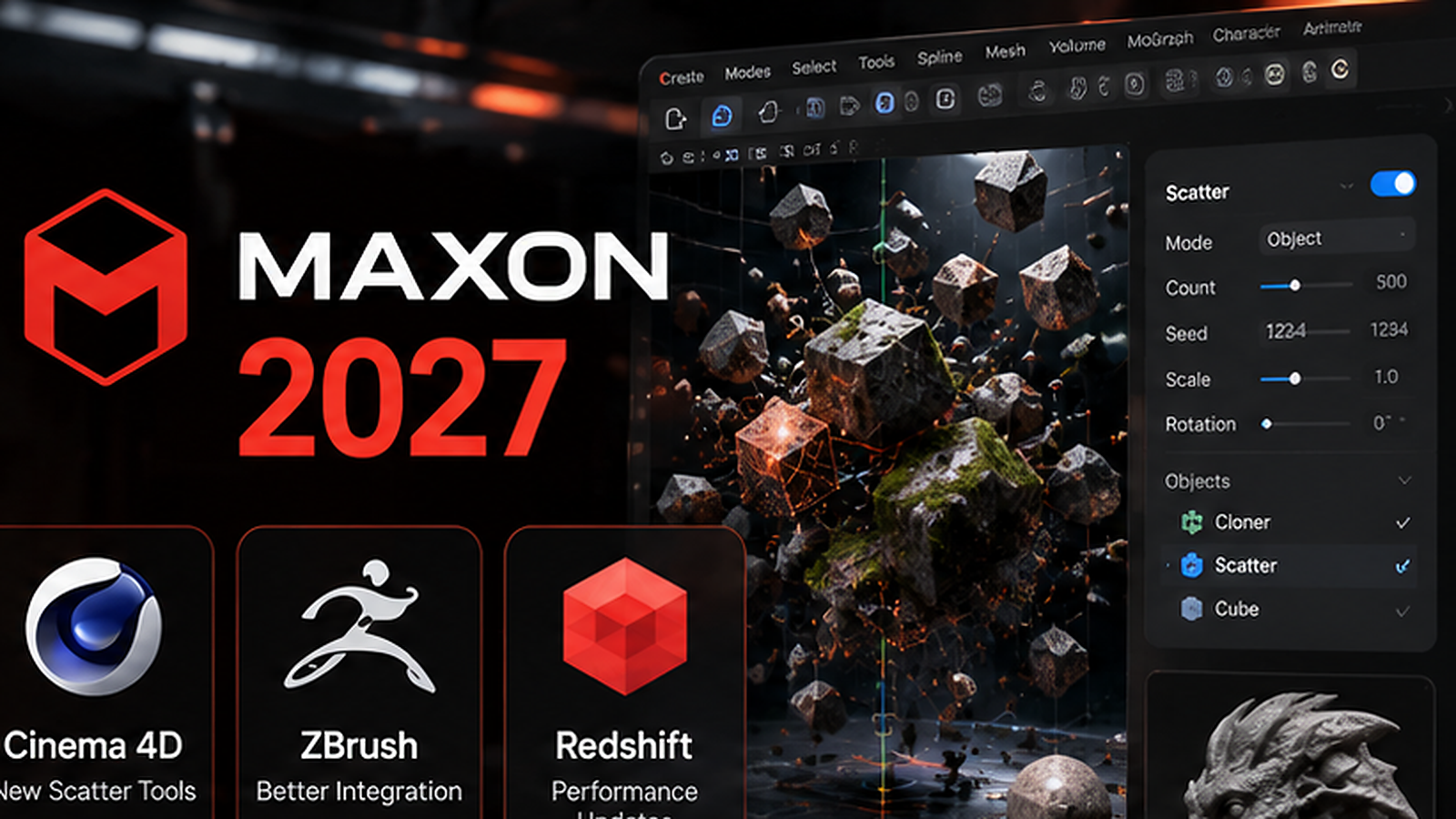
Red Giant 2027 introduces AI-assisted relighting, new procedural texture tools and more customizable lens effects for motion designers working in After Effects and related Maxon workflows.
The update focuses on time-consuming post tasks such as changing perceived lighting, generating procedural texture variation and shaping optical imperfections.
AI relighting comes to After Effects
The release includes new relighting capabilities designed to estimate and change the direction and character of light in existing footage.
That can help when a shot needs to fit into a new composite or match another angle without a reshoot.
Relighting can reduce composite mismatches
A subject can still feel disconnected even with a clean mask if its highlights and shadows do not match the environment. Relighting targets that exact problem.
Maxon Noise adds procedural variation
Red Giant 2027 expands procedural noise tools for distortion, texture, displacement and animated variation, reducing the need for separate texture assets.
Lens effects become more controllable
The update adds more flexible controls for lens contamination and optical artifacts, making it easier to create custom looks instead of relying on a fixed preset.
Why this matters for After Effects users
Red Giant has long filled the space between native After Effects tools and heavier 3D workflows. Relighting is especially interesting because it can save real compositing time when it works reliably.
What artists should test
Artists should test the feature on difficult footage with mixed lighting, moving subjects, skin tones and fine edges, then compare render speed and cleanup requirements.
Sources and further reading
Read current coverage of Red Giant 2027
Explore Maxon's 2027 release overview
GOT ANY QUESTIONS LEFT?
AI-assisted relighting, expanded procedural noise tools, more customizable lens effects and related motion-design improvements.
Yes. The update is positioned for compositing and motion-design workflows that include After Effects.
It can help match subjects to a new environment or change the visual direction of a shot without a reshoot.