Perpetual Licenses vs Subscriptions for Creative Software
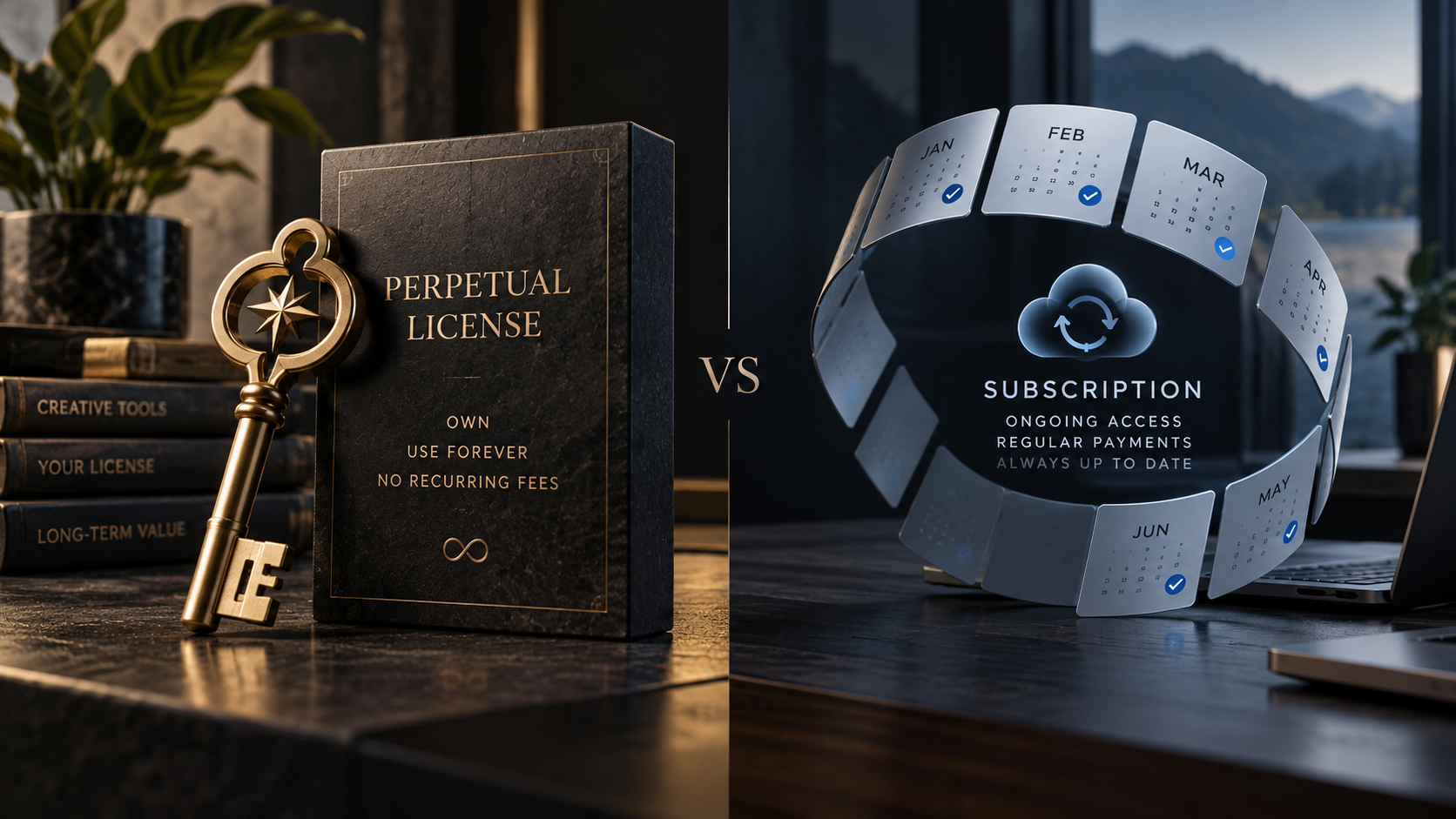
Few software topics create stronger opinions than subscriptions. Some creators prefer paying once and keeping access to a version indefinitely, while others prefer continuous updates and predictable access to the newest features.
The useful comparison is not ideological. Different licensing models shift different risks onto the user: cost over time, compatibility, support, access to cloud services and the ability to reopen old projects.
What a perpetual license actually gives you
A perpetual license generally gives the buyer ongoing rights to use a specific product or version under its license terms. That can make long-term cost easier to understand and reduce anxiety about losing basic application access after a canceled subscription.
The tradeoff is that major upgrades may require another purchase, and older versions can eventually become difficult to run on new operating systems or hardware.
What subscriptions change
Subscriptions usually bundle continuous updates, services and ongoing access into a recurring payment. That reduces the upfront cost and keeps teams on supported versions more consistently.
The downside is that access can depend on continued payment, and the total cost becomes an operating expense that never really ends.
Cloud services complicate the old comparison
Modern software is not always just an application installed on a computer. Sync, collaboration, AI processing, stock libraries, fonts and hosting can create ongoing infrastructure costs for the vendor.
That means a perpetual desktop license does not automatically imply that every connected service can also be perpetual. Teams should separate the cost of the core tool from the cost of cloud-dependent features.
Project access should influence the decision
Professionals often need to reopen old work years later. Before choosing a licensing model, ask what happens to existing project files if the subscription ends or if an old version can no longer be activated.
Long-term client obligations may make archival access more important than having the newest feature every month.
Teams should calculate total workflow cost
License price is only one part of cost. Training, compatibility, support, file conversion and time lost to version mismatches can be more expensive than the subscription itself.
A cheaper tool that creates constant handoff problems may cost more in practice than a more expensive product that the whole team can use reliably.
The best model depends on the job
A freelancer with a stable workflow may value long-term ownership and predictable files. A larger team may value managed updates, support and collaboration services more.
Instead of asking which licensing model is morally better, ask which one creates the least risk and friction for the work you actually need to deliver.
Sources and further reading
Explore DaVinci Resolve licensing and editions
Explore Adobe Creative Cloud plans
Explore more articles on the Nejma Blog
GOT ANY QUESTIONS LEFT?
No. It can be cheaper over time, but major upgrades, support and compatibility costs can change the calculation.
For some users, it is continued dependency on recurring payment for application access or connected services.
An old version may eventually lose compatibility with new operating systems, hardware or collaborator workflows.