Local vs Cloud Creative Tools: What Teams Should Consider
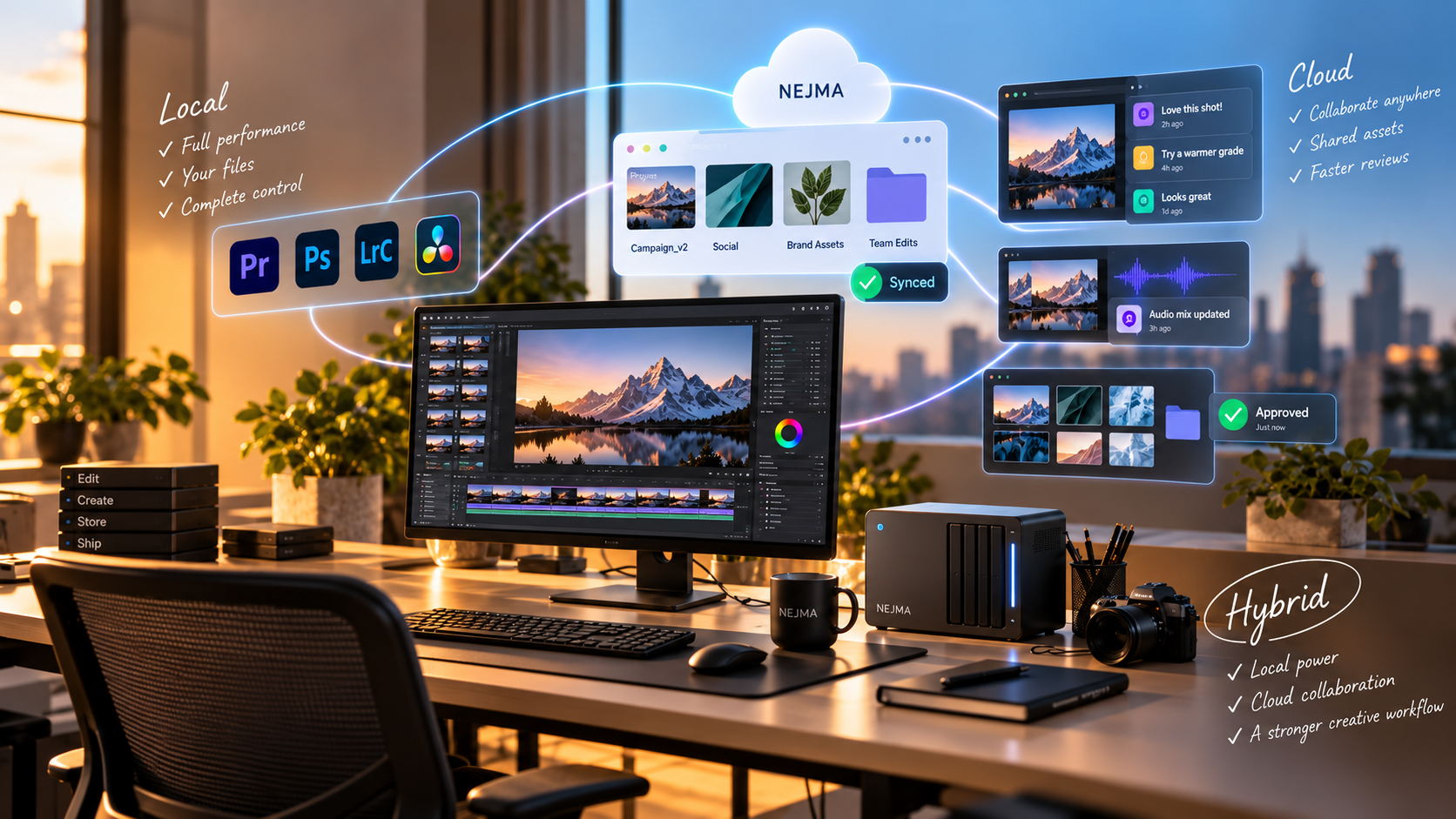
Creative workflows increasingly mix local applications with cloud services. A motion designer might render locally, review in the cloud, store assets on shared storage and use an online tool for collaboration. The old question of local versus cloud is no longer a simple either-or choice.
The important task is deciding which parts of the workflow benefit from centralization and which parts need the control, performance or privacy of local processing.
Local tools give direct control
Local applications can work without a constant network connection and can keep large source files close to the hardware doing the processing. That is valuable for high-resolution video, 3D scenes and other workloads where moving data to a remote service adds delay.
Local storage can also give teams clearer control over where sensitive assets live, although security still depends on how the device and backups are managed.
Cloud tools simplify shared access
Cloud-native systems make it easier for distributed teams to work from the same source of truth. Permissions, comments, version history and live updates can reduce the number of files being emailed or duplicated.
They also remove some setup work from individual machines. A browser-based tool can be easier to deploy across a team than a complex local environment.
Performance depends on the workload
Some tasks are better suited to local GPUs and fast attached storage. Others benefit from elastic cloud compute or from not requiring a powerful workstation at all.
Teams should test real files. Marketing demos rarely capture the pain of uploading a huge project, waiting for proxies or working from a slow connection.
Privacy needs specific questions
Do not treat cloud as one privacy category. Ask where data is stored, how long it is retained, which subprocessors handle it, whether project data is used for model training and what administrative controls exist.
Local tools are not automatically private either. Applications may still connect to licensing, telemetry or AI services.
Offline access can become operational insurance
For freelancers and teams that travel, unreliable internet can turn a cloud-only workflow into a production risk. Local access keeps core work available even when connectivity fails.
On the other hand, cloud systems can make disaster recovery easier when a laptop is lost or a local drive fails.
Hybrid workflows are usually the practical answer
Keep compute-heavy or sensitive source work local when that makes sense, while using cloud services for collaboration, review, backups and shared documentation.
The goal is not purity. It is to place each stage where it has the best balance of speed, control and accessibility.
Sources and further reading
Explore Blender's local open-source workflow
Explore Figma's collaborative design platform
Explore more articles on the Nejma Blog
GOT ANY QUESTIONS LEFT?
They can offer more direct control, but teams still need to check telemetry, licensing and connected AI services.
Often yes, because shared state, permissions and version history are built into the platform.
A hybrid setup often works best: local processing where performance or privacy matters, and cloud services where collaboration and shared access matter.