All-in-One Creative Suites vs Specialist Tools
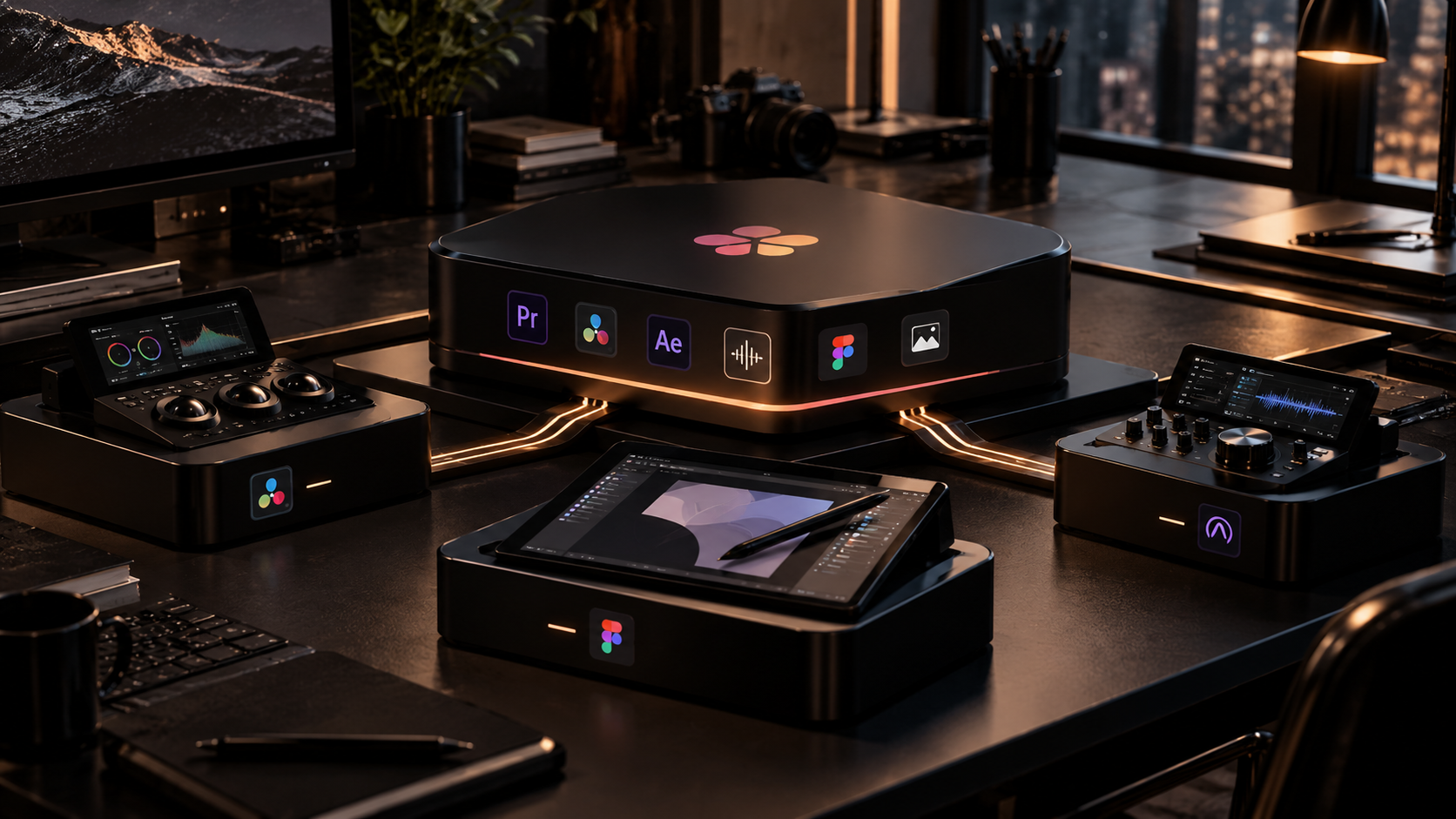
Creative teams are being pulled in two directions. One group of products is expanding into broad suites that cover more of the pipeline. At the same time, specialist tools continue to win users by solving one part of the workflow exceptionally well.
Neither model is automatically better. The right decision depends on where your team loses time: inside the creative task itself, or during the handoffs between tools.
What an all-in-one suite does well
Integrated suites reduce file movement and context switching. When editing, color, audio, graphics, review and delivery live in one project, fewer steps are required to keep assets synchronized.
That can be especially valuable for small teams where the same person touches several stages of production. Fewer applications can mean fewer exports and compatibility problems.
Where specialist tools win
Specialist tools can focus their product design around one job instead of balancing many workflows. That often produces deeper controls, faster interfaces and communities built around a specific craft.
A motion designer may accept an extra handoff if the specialist application makes daily animation work dramatically faster.
Handoffs have a hidden cost
Exporting files, flattening layers, rebuilding metadata and checking versions all consume time. No single handoff feels expensive, but repeated across every project they become a real operational cost.
Teams should measure handoff time explicitly. If hours are being lost every week moving work between applications, integration may be worth more than another advanced feature.
Depth also has a hidden value
A specialist tool can save time precisely because it understands the job better. Better keyboard workflows, purpose-built controls and deeper automation may reduce the time spent inside the task itself.
This is why feature-count comparisons are often misleading. A broad suite can have more total features while still being slower for a particular professional workflow.
Choose a center of gravity
Most teams do not need to choose one philosophy exclusively. A practical approach is to choose one central application or platform where projects live, then add specialist tools only where the improvement is meaningful.
That creates a stable center of gravity without forcing every task into one environment.
Revisit the decision as products change
Creative software changes quickly. Suites add specialist features, specialist apps add collaboration and pricing models shift. A decision that made sense two years ago may no longer be the best fit.
Review the stack periodically using real workflow data: time spent, failure points, handoff cost, licensing cost and which features are actually used.
Sources and further reading
Explore DaVinci Resolve's integrated workflow
Explore more articles on the Nejma Blog
GOT ANY QUESTIONS LEFT?
Sometimes, but the real cost includes licenses, handoff time, training and productivity.
Specialist tools can offer deeper controls, faster workflows and ecosystems built around a specific craft.
Yes. Many strong workflows use one central suite and add specialist tools only where they create meaningful value.