ChatGPT Adds Audio File Uploads
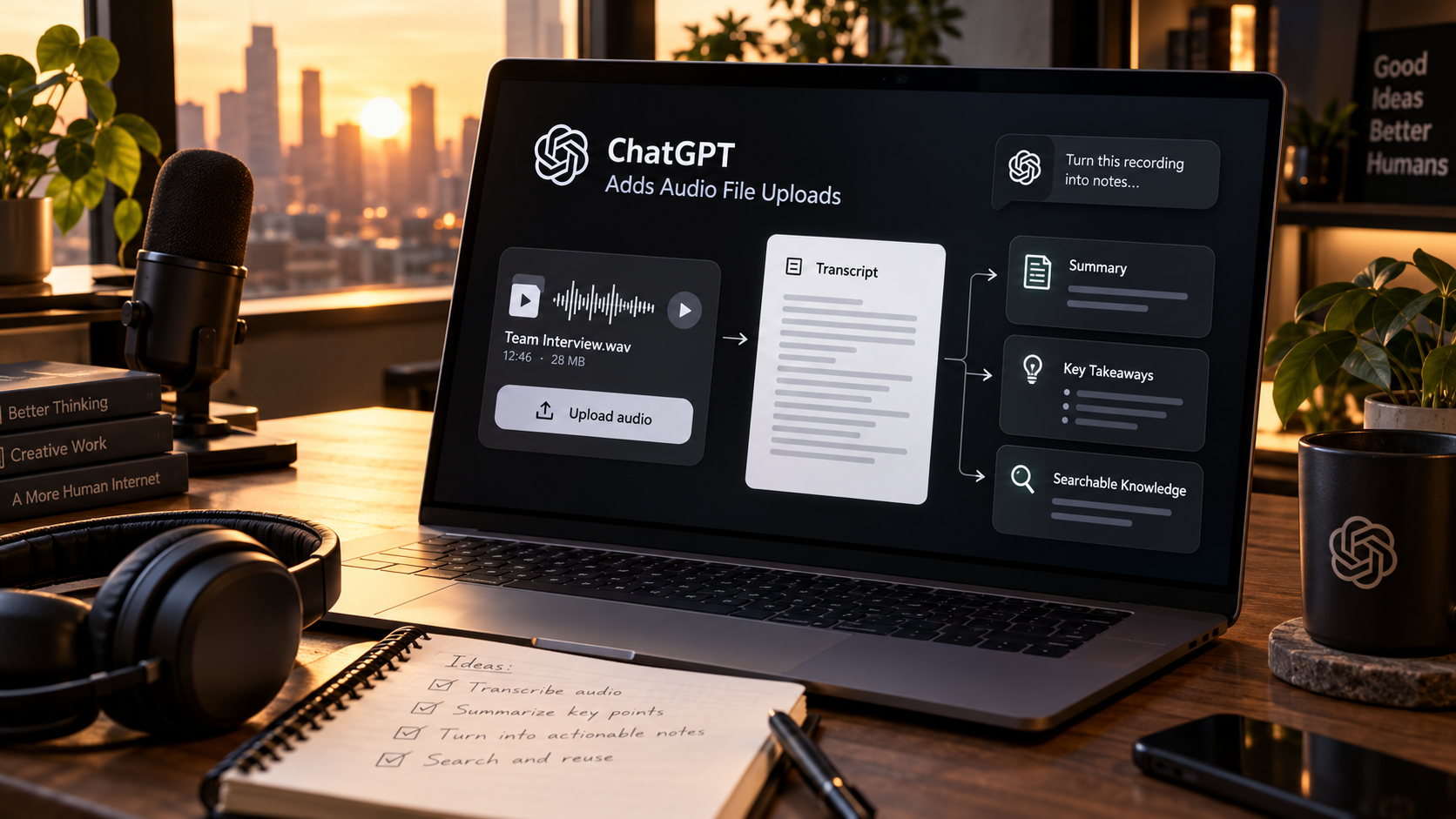
ChatGPT now supports audio file uploads. Users can attach supported recordings and ask for a transcript, summary, structured notes or answers about what was said.
The feature sounds simple, but it removes a common workflow split. Audio has traditionally required one tool for transcription, another place for notes and then a separate assistant for follow-up work. Bringing the recording directly into the conversation makes the transcript part of the same context where the next task happens.
What audio uploads can do
OpenAI says uploaded audio can be transcribed, summarized and queried. A user can turn a meeting, lecture or interview into structured notes or ask questions about specific parts of the recording.
That makes audio another first-class file type rather than something that has to be converted before ChatGPT can help with it.
This is different from live meeting capture
Audio uploads start from a recording the user already has. That is different from a meeting assistant that listens during the call and produces notes automatically.
The distinction matters because uploaded files give users more control over what they choose to share and when the analysis starts.
Accuracy still needs review
OpenAI warns that transcripts can contain errors and that performance can vary by language. Names, technical terms, poor microphones and overlapping speakers can all create mistakes.
For important meetings or interviews, users should verify quotations, numbers, commitments and any section that will be used as a formal record.
A better workflow is transcript to action
Once the recording is in context, the user can ask for decisions, action items, unanswered questions, a follow-up email or a clean article outline without moving the text into another tool.
That is where integrated AI workflows become more useful: each step can build on the previous one instead of making the user repeatedly export and paste information.
Audio can become searchable knowledge
Teams often have useful information trapped inside calls, interviews and voice notes. Transcription makes that information easier to reference later.
The challenge is deciding what should be retained, where it should live and who is allowed to access it. Useful capture should come with clear information-management rules.
What creators can use it for
Creators can use audio uploads for interview cleanup, podcast notes, rough voice ideas, research recordings and extracting quotes or themes from long conversations.
It can also reduce friction for people who think more naturally by speaking than by writing, because a voice note can become the starting point for a structured document.
Sources and further reading
Read ChatGPT's official release notes
Explore more articles on the Nejma Blog
GOT ANY QUESTIONS LEFT?
Yes. OpenAI says supported audio uploads can be transcribed and summarized.
Yes. Once the file is uploaded, you can ask questions about its contents.
No. OpenAI notes that transcripts can contain errors and performance can vary by language, so important details should be verified.