Canva Connects to Meta Muse for On-Brand Design
Canva has launched a connector for Meta's Muse agent, giving users a way to move from a conversation directly into an editable Canva design. Muse can hand a visual task to Canva, use context from the connected account and return a design that the user can continue editing.
The integration is another example of creative software moving outside its traditional application boundary. Instead of requiring every idea to begin inside Canva, the design tool can become a capability that an external agent calls when the conversation reaches the point where something visual needs to be made.
What the Canva connector can do
Canva says Muse can securely connect to a user's Canva account, create new designs, search the design library and use brand fonts, colors and assets.
The finished design can then be exported or opened for further editing before the user decides to publish or send it.
Brand context makes the integration more useful
A generic design generator can create something visually plausible, but professional and business work usually needs to match an existing identity. Access to brand assets gives the system more relevant constraints.
That can reduce the cleanup required after generation because the first draft starts closer to the colors, type and visual language the user already works with.
The output remains editable
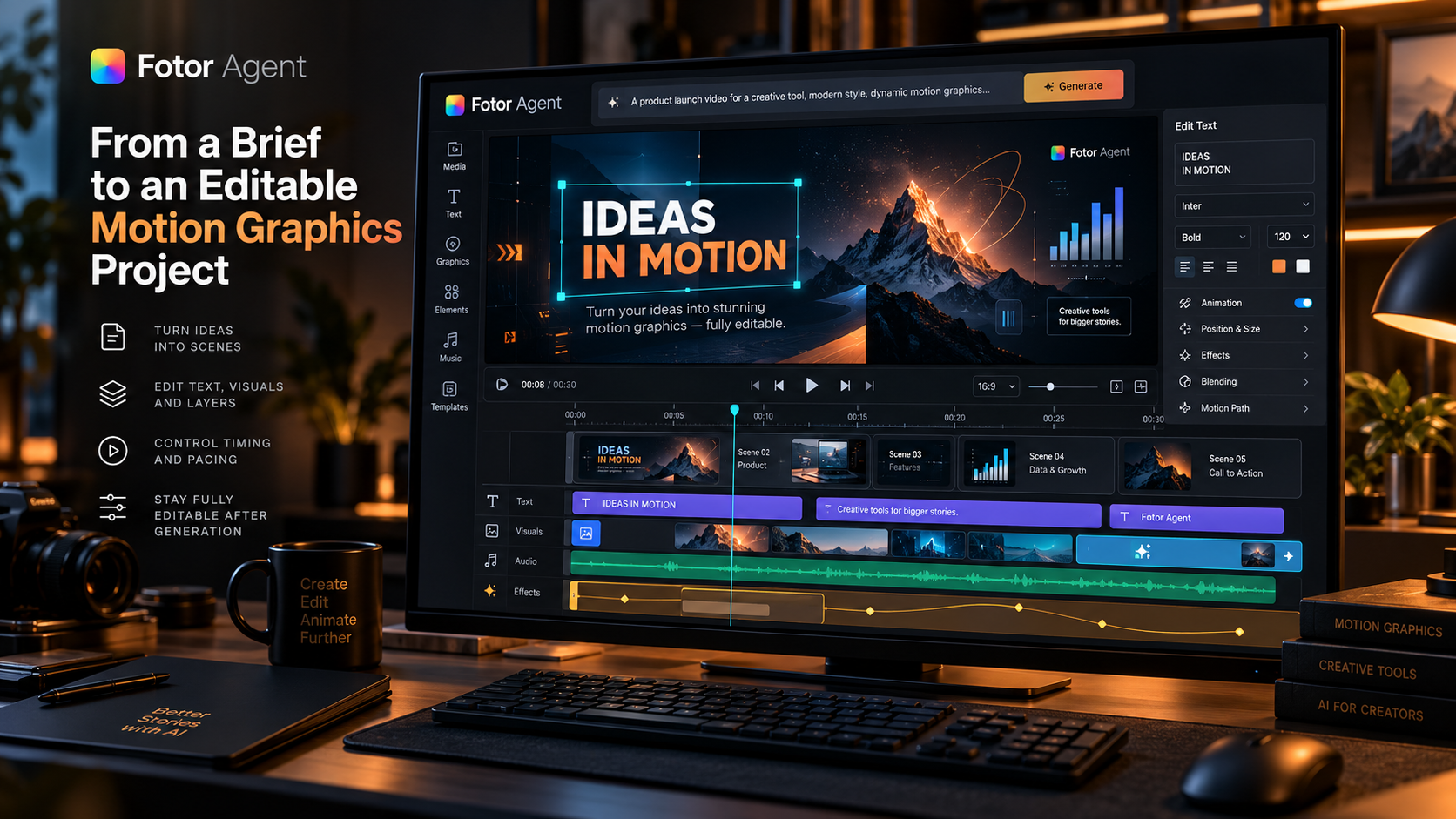
Canva emphasizes that designs created through Muse remain editable. That is important because the value of AI-generated creative work often depends on what happens after the first draft.
Users can change copy, replace imagery, adjust layout or apply their own taste instead of having to regenerate the entire asset whenever something changes.
Conversational agents are becoming a new creative surface
The integration reflects a broader shift: users may increasingly begin a task in whichever assistant they are already using, then call specialist tools only when the workflow needs them.
That gives creative applications a new role. Instead of always being the starting interface, they can become specialist engines that plug into larger agent workflows.
Permissions still matter
Connecting an external agent to a Canva account means the user should understand which designs and brand assets the connector can access.
Canva says the integration uses its existing safety and privacy controls, but organizations should still review permissions before connecting business accounts to any external agent.
Availability is currently limited
Canva says the Muse connector is available to users in the United States and Canada.
That means the feature is currently more useful as a signal of where creative software is going than as a globally available workflow for every Canva user.
Sources and further reading
Read Canva's Meta Muse connector announcement
Explore more articles on the Nejma Blog
GOT ANY QUESTIONS LEFT?
Muse can hand visual tasks to Canva, create designs, use connected brand assets, search a design library and return editable work.
Yes. Canva says the designs remain editable so users can refine the result before using it.
Canva says it is currently available to Muse users in the United States and Canada.