Photoshop 27.11 Adds Enhance Edge and GPT Image 2
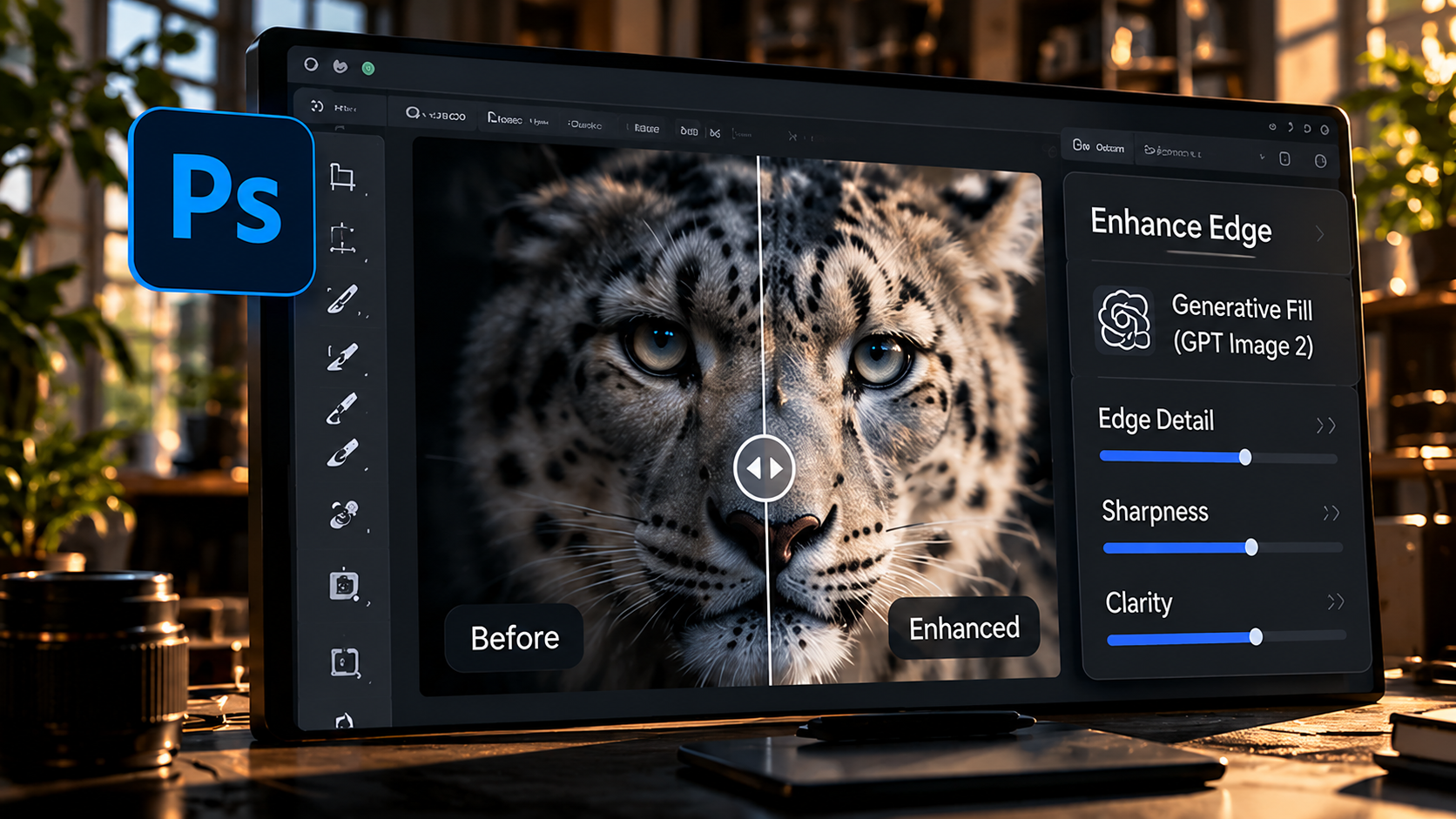
Adobe's latest Photoshop desktop release focuses on two places where image-editing workflows often slow down: difficult selections and repeated generative edits. Photoshop 27.11 adds AI-powered Enhance Edge for cleaner masks and brings an upgraded GPT Image 2 model into Generate Image and Prompt to edit.
The update is useful because both features target cleanup rather than novelty. Better edges reduce the time spent repairing masks around hair, fur and semi-transparent details, while more predictable prompt edits can reduce the number of generations needed to make one targeted change.
Enhance Edge targets difficult cutouts
Adobe says Enhance Edge uses RGBA diffusion to refine masks, remove color fringing and preserve fine detail that standard selections can miss. Hair, fur and semi-transparent edges are the obvious use cases.
Those are exactly the areas where an automatic background removal can look convincing at first glance but fall apart when the subject is placed on a very different background.
Cleaner edges matter more than faster selection
A fast selection only saves time if the result survives compositing. When edge contamination remains around hair or fabric, the user still has to spend time painting masks, removing halos or rebuilding the extraction.
By focusing on the edge after the initial selection, Adobe is targeting the part of the workflow where professional cleanup often begins.
GPT Image 2 is aimed at more precise edits
Adobe says the upgraded GPT Image 2 model is available for Generate Image and Prompt to edit. The company specifically highlights targeted edits such as changing a jacket while preserving surrounding details like faces and logos.
That kind of local consistency matters because generative editing becomes frustrating when a small requested change also alters parts of the image that were already correct.
Fewer retries can be more valuable than a better first demo
Generative tools are often judged by the strongest single result, but production work depends on repeatability. If an editor has to rerun the same prompt several times to preserve a face, logo or layout, the apparent speed advantage disappears.
A more predictable edit can therefore be more useful than a more dramatic one, especially in commercial workflows where brand details need to remain stable.
Windows performance is also part of the release
Adobe says Photoshop on Windows now uses automated profile-guided optimization based on real-world usage data. The goal is to improve performance in common workflows without requiring users to configure anything manually.
That is less visible than the AI features, but performance improvements compound across every session and can matter more over time than a feature used only occasionally.
What creators should test
The best way to evaluate the update is with real production assets: difficult hair against a contrasting background, transparent fabric, branded products and edits where only one element should change.
If Enhance Edge reduces manual masking and GPT Image 2 preserves the rest of the composition more reliably, the update can remove meaningful friction from everyday retouching and compositing.
Sources and further reading
Read Adobe's Photoshop desktop release notes
Explore more articles on the Nejma Blog
GOT ANY QUESTIONS LEFT?
Enhance Edge is an AI-powered mask refinement feature that Adobe says reduces color fringing and preserves fine detail around difficult edges such as hair, fur and semi-transparent areas.
Adobe uses the upgraded model in Generate Image and Prompt to edit for more precise, targeted edits with fewer unintended changes to surrounding content.
Yes. Adobe also says the Windows version now uses automated profile-guided optimization to improve performance in common workflows.