Microsoft Publisher Support Ends Today
October 13, 2026 marks an important deadline for users of Microsoft Publisher. Microsoft says support for the perpetual Publisher version associated with Office 2021 ends today. Publisher for Microsoft 365 began being removed on or shortly after October 1, as the company retires the long-running desktop publishing application.
The immediate issue is not just finding another tool for flyers and brochures. Many small businesses, schools and community organizations have years of editable .pub files that may be difficult to reuse once their existing Publisher workflow disappears.
The October 13 deadline is specific
Microsoft distinguishes between two dates. Microsoft 365 subscribers began losing access to Publisher on or shortly after October 1, 2026, as removal updates rolled out. Support for the perpetual Publisher version ends on October 13, alongside Office 2021 and Office LTSC 2021 support.
Perpetual installations may continue to open existing files after support ends, but Microsoft no longer supports that software. Subscription customers should not assume they can reinstall Publisher after the removal process.
What happens to existing .pub files
The files do not simply vanish when Publisher retires. The problem is access: a .pub document may remain on disk while the application that reliably opens and edits it is no longer available in a supported subscription workflow.
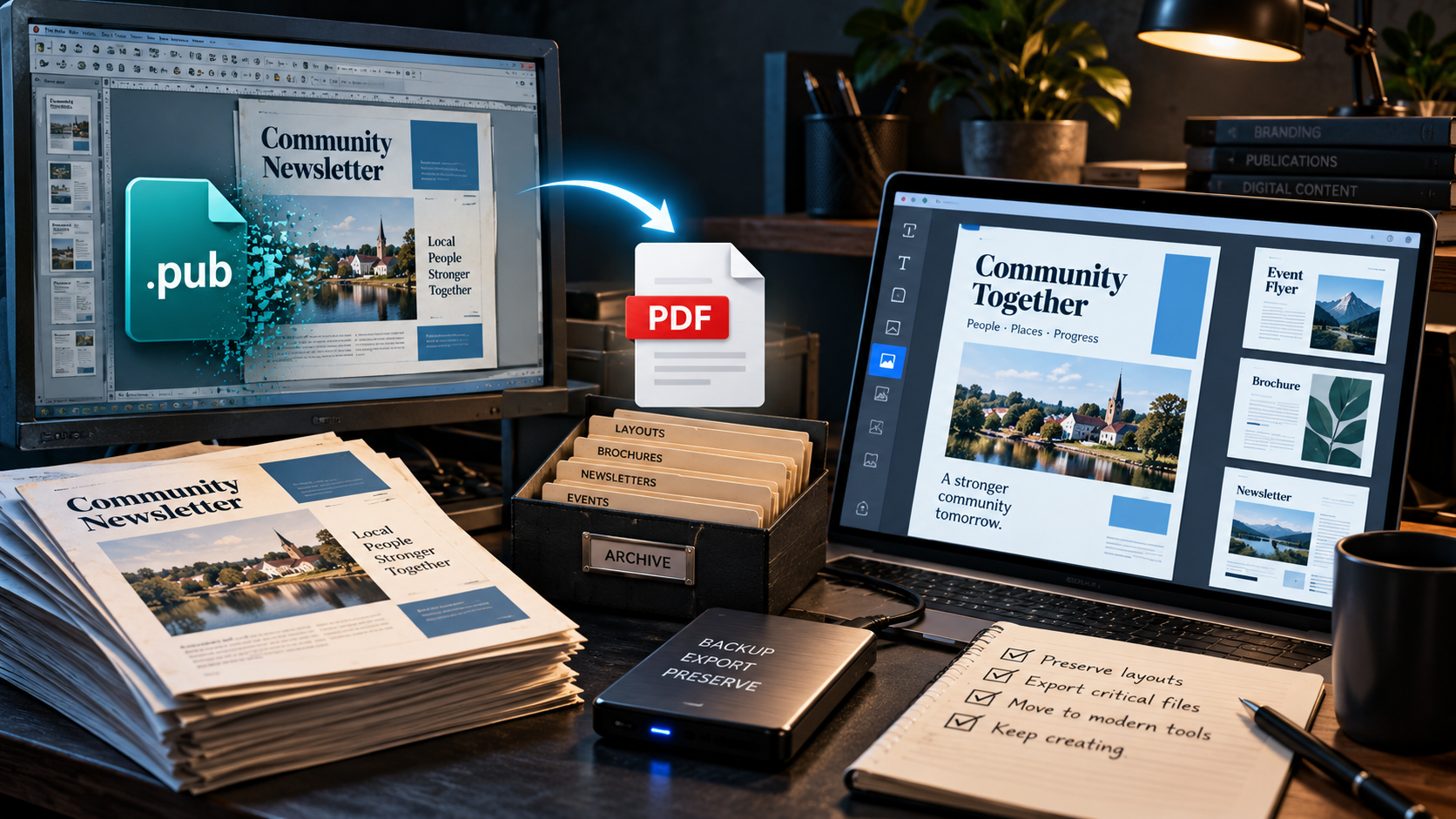
That is why migration should include two separate goals: preserving a viewable copy of the original layout and creating an editable version for documents that will need future updates. One export format rarely solves both perfectly.
PDF is the safest archive for finished layouts
Microsoft recommends exporting Publisher documents as PDFs to preserve a viewable version. On a working installation, open the file, use File > Save As, choose PDF and save the result.
After export, check fonts, images, page breaks, bleeds and alignment. PDF is usually the better archive for a finished flyer or newsletter, but it is not the same as retaining all the original editing controls.
Word conversion has layout tradeoffs
For content that must remain editable, Microsoft suggests exporting to PDF and then opening the PDF in Word. Word can convert the document into editable content, but Microsoft warns that complex layouts and graphic-heavy pages may change.
A text-heavy newsletter may convert acceptably. A multi-column brochure with carefully positioned images may need substantial rebuilding. Keep a PDF reference alongside the editable document so the original design remains visible.
Which replacement software makes sense
Microsoft recommends Word for labels, envelopes, letters and many text-led documents, and PowerPoint for posters, banners, signs and visually arranged pages. These are sensible starting points for organizations already using Microsoft 365.
Other workflows may fit dedicated layout or design tools better. Canva can be convenient for template-driven marketing materials, while Affinity and other professional layout applications can be worth evaluating for print-heavy work. Before committing, test print output, collaboration needs and how your existing assets transfer.
How to migrate a large archive
Start by searching local drives, shared folders and cloud storage for files ending in .pub. Sort by importance and identify documents that are still used regularly, such as recurring event programs, menus or branded letterheads.
Microsoft provides an example PowerShell conversion script for exporting many Publisher files to PDF. It requires a working, licensed Publisher installation. Test it on copies first, review the results and avoid assuming a batch export has preserved every page correctly.
Why the retirement matters for designers
Publisher was never the most advanced layout tool, but it served users who needed more page control than a word processor without adopting a professional publishing suite. Its retirement highlights a practical risk of proprietary formats: access to years of work can depend on one aging application.
The long-term lesson is to keep portable archives and editable source assets whenever possible. A migration plan is not complete until a different person can open, understand and update the files without relying on the discontinued tool.
Sources and further reading
Read Microsoft's official Publisher retirement guidance
Explore Microsoft's design templates
Explore more articles on the Nejma Blog
GOT ANY QUESTIONS LEFT?
Microsoft says support for the perpetual Publisher version ends October 13, 2026. Microsoft 365 access began being removed on or shortly after October 1.
No. The files can remain stored, but opening and editing them may be difficult without a working Publisher installation.
Export a PDF for a viewable archive, keep the original .pub file and verify that the PDF matches the intended layout.
Microsoft suggests converting Publisher to PDF and opening the PDF in Word, but complex formatting may change.