Gemini for Mac Brings AI to the Desktop
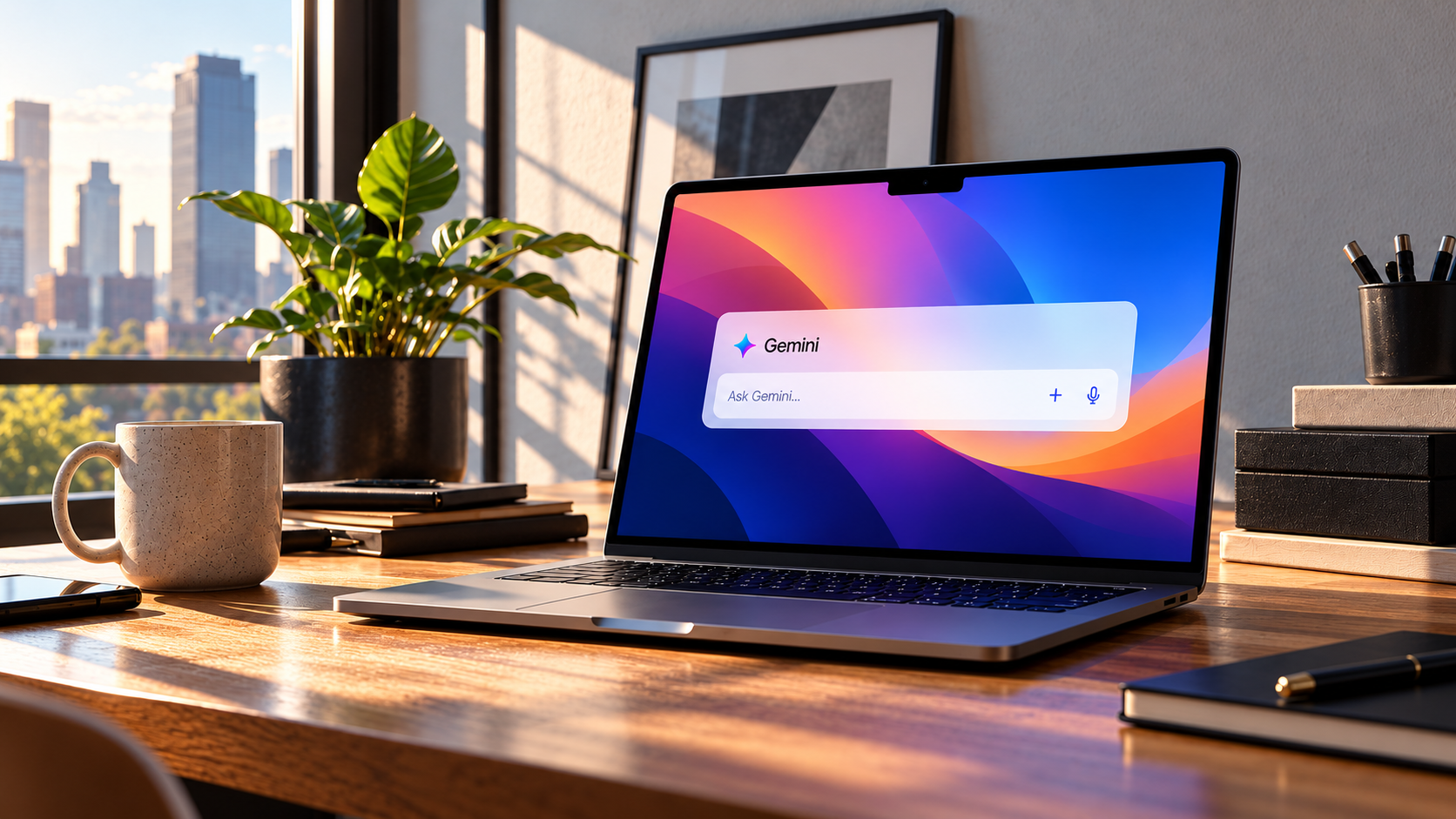
Google now has a native Gemini app for Mac, bringing its AI assistant directly onto the desktop instead of requiring users to keep a browser tab open. The app supports quick access, voice interaction, image analysis and context from the window a user is working in.
The more interesting part is Gemini Spark. With explicit folder access, Spark can work with files on the Mac, perform multi-step tasks and interact with connected apps. That moves the desktop assistant from answering questions toward doing work with local context.
What the native Gemini app adds
Google says the Mac app can be opened with a keyboard shortcut and used for writing, brainstorming, coding, summarizing and image analysis.
Users can also share a window with Gemini, giving the assistant more direct context for the task at hand.
Speak to Window reduces copy and paste
Gemini's Speak to Window mode can use the active window and highlighted content while the user speaks a request. Google gives examples such as rewriting selected text, summarizing a file or drafting content for another app.
That is a meaningful interface shift because the user does not have to move everything into a separate chat before asking for help.
Gemini Spark can work with Mac files
Google says Spark can analyze, edit, rename and reorganize files in folders the user explicitly connects. It can also combine local file work with connected apps for multi-step tasks.
This is more powerful than ordinary chat, but it also creates more risk because the system can make real changes to files.
Google uses explicit folder permissions
Spark can only view local directories that the user adds to its connected folders. That is an important boundary because desktop agents need clear limits around which files they can see.
Users should still avoid connecting sensitive folders without a reason and should review important changes before treating them as final.
Backup and recovery are part of the workflow
Google says Spark creates temporary backup files when it works with computer files, which can provide a recovery path while the task is active.
That kind of reversibility is essential for desktop agents. The more an assistant can change files, the more important it becomes to make mistakes recoverable.
Remote control expands the agent model
Google also says users can trigger Spark tasks on the Mac from another signed-in device in supported configurations.
That moves the product toward an always-available computer agent rather than a desktop-only chat interface, but users need to understand the permissions and connectivity involved before relying on it for sensitive work.
Sources and further reading
Read Google's Gemini for Mac help page
Read Google's guide to Gemini Spark on Mac
Explore more articles on the Nejma Blog
GOT ANY QUESTIONS LEFT?
Yes. Google provides a native Gemini app for supported Mac systems.
Gemini Spark can work with files and folders that you explicitly add to its connected-folder access.
Yes, Spark can perform file operations, so Google recommends reviewing tasks carefully and avoiding sensitive data when appropriate.