Figma Agent Is Now Generally Available
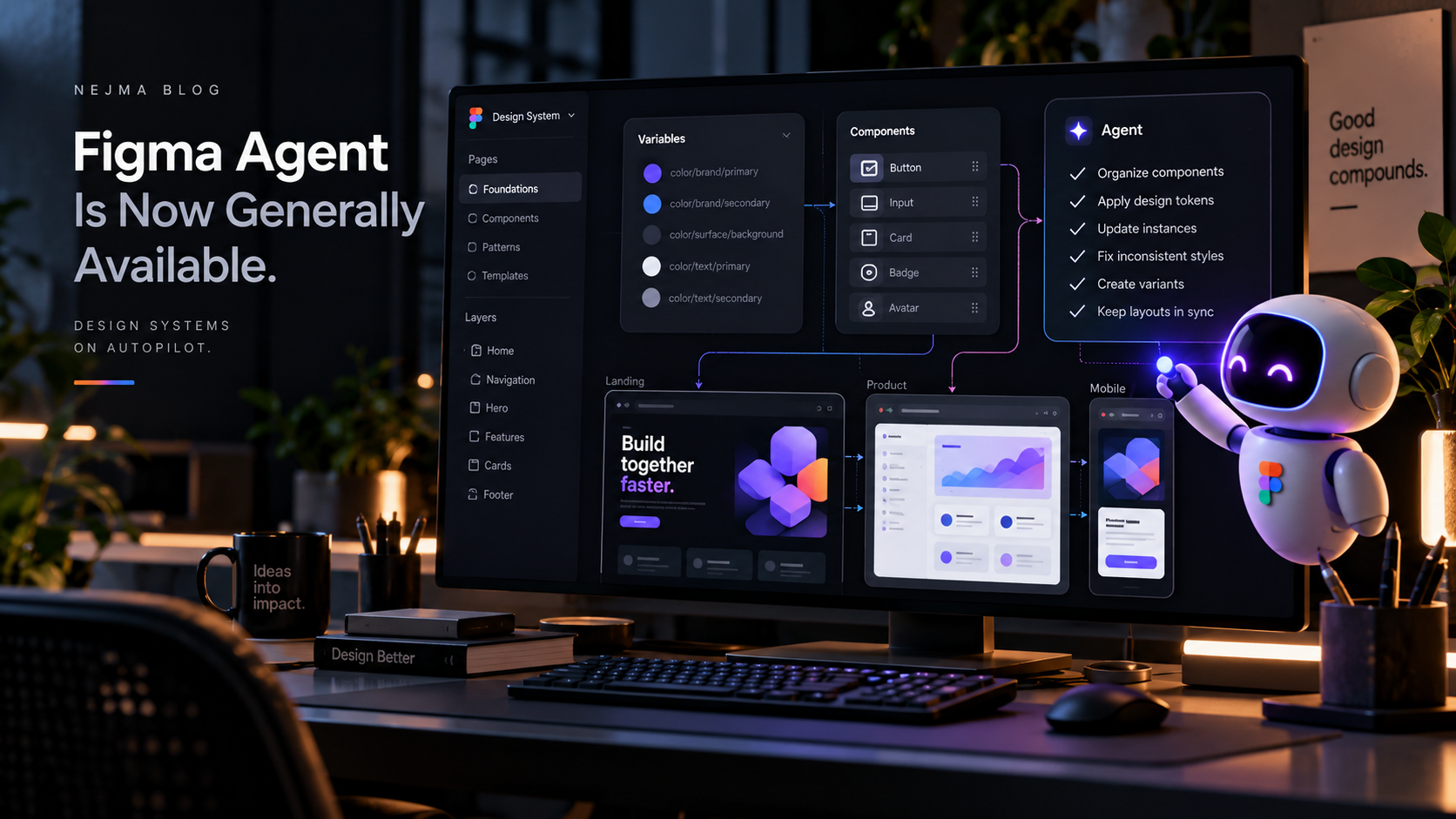
Figma says its design agent is now generally available, moving the product from an experimental assistant toward something teams can use as part of normal design work. Figma's latest examples show designers at companies including Uber, Granola and Atlassian using the agent for work that sits around the core creative decision rather than replacing it.
That distinction matters. The most useful design automation is often not a button that creates the entire interface. It is a system that handles repetitive library work, produces a first pass, gathers context and gives the designer more time to focus on the decisions that actually require taste.
What the Figma agent can take on
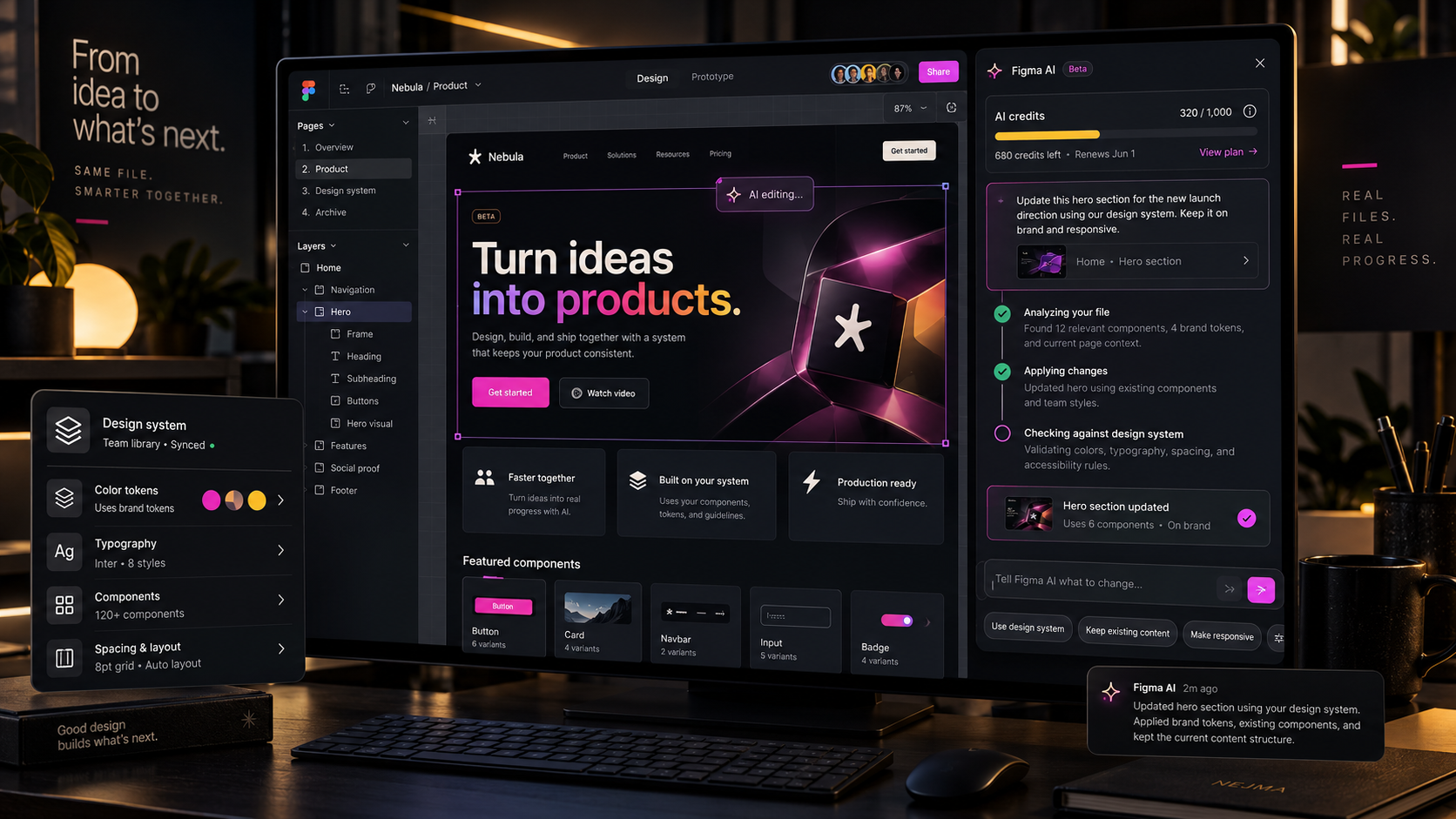
Figma highlights tasks such as updating design-system libraries, incorporating critique, generating a first draft of a specification and working directly with the context already available on the canvas.
Because the agent works inside Figma, its advantage is not simply access to a language model. It can operate where the components, variables, comments and visual decisions already live.
Design-system maintenance is a strong use case
Design systems contain a large amount of repetitive work: keeping components aligned, documenting patterns, applying library changes and checking whether designs follow the same rules.
Those tasks are important, but they can pull senior designers away from product thinking. An agent that handles a well-defined maintenance task can create real leverage without becoming the source of truth for the design itself.
Context is what makes the agent useful
A generic assistant does not automatically know which component the team prefers, which variable names are valid or why a design decision was made. An in-canvas agent can use more of the environment around the work.
That is also why teams should keep their libraries and documentation clean. Better structured context gives automation a better chance of producing something that actually fits the product.
The designer still needs to control quality
Fast output is not the same as good output. A designer still has to evaluate hierarchy, accessibility, interaction, brand consistency and whether the proposed solution solves the product problem.
Figma's examples are strongest when the agent removes execution overhead while the human remains responsible for judgment.
What teams should test before standardizing it
Teams should test the agent on real components, messy files, long-standing design-system debt and edge cases instead of only polished demos.
They should also decide which tasks are safe to delegate, which changes need review and how agent-created work should be documented so another designer can understand what happened later.
Why this matters beyond Figma
The broader pattern is becoming clear across creative software: agents are moving closer to the native workspace instead of living in separate chat windows.
That can make AI more useful because it shortens the distance between suggestion and execution. The tradeoff is that permissions, review and reversibility become more important as the system gains the ability to change real project files.
Sources and further reading
Read Figma's examples of teams using the agent
Read Figma's workflow lab for the design agent
Explore more articles on the Nejma Blog
GOT ANY QUESTIONS LEFT?
Yes. Figma says the design agent is now generally available.
Figma highlights repetitive library updates, critique support, design-system documentation and first-pass work directly on the canvas.
No. The strongest use case is delegation of repetitive or structured work while the designer remains responsible for direction and quality.